
Opera
Opera is a free web browser for Windows from Opera Software. The stable release is 136.0.6008.22, published on 17 September 2026.
133.1 MB

Mypal68 is an open-source web browser by Feodor2 that brings a relatively modern Firefox-based engine to older Windows versions.
Average 0.0 · ratings: 0
Thank you! Your rating is saved; you can change it. Could not save the rating. Please try again later. Too many ratings from your network today. Please try again tomorrow. The average appears after 5 ratings.
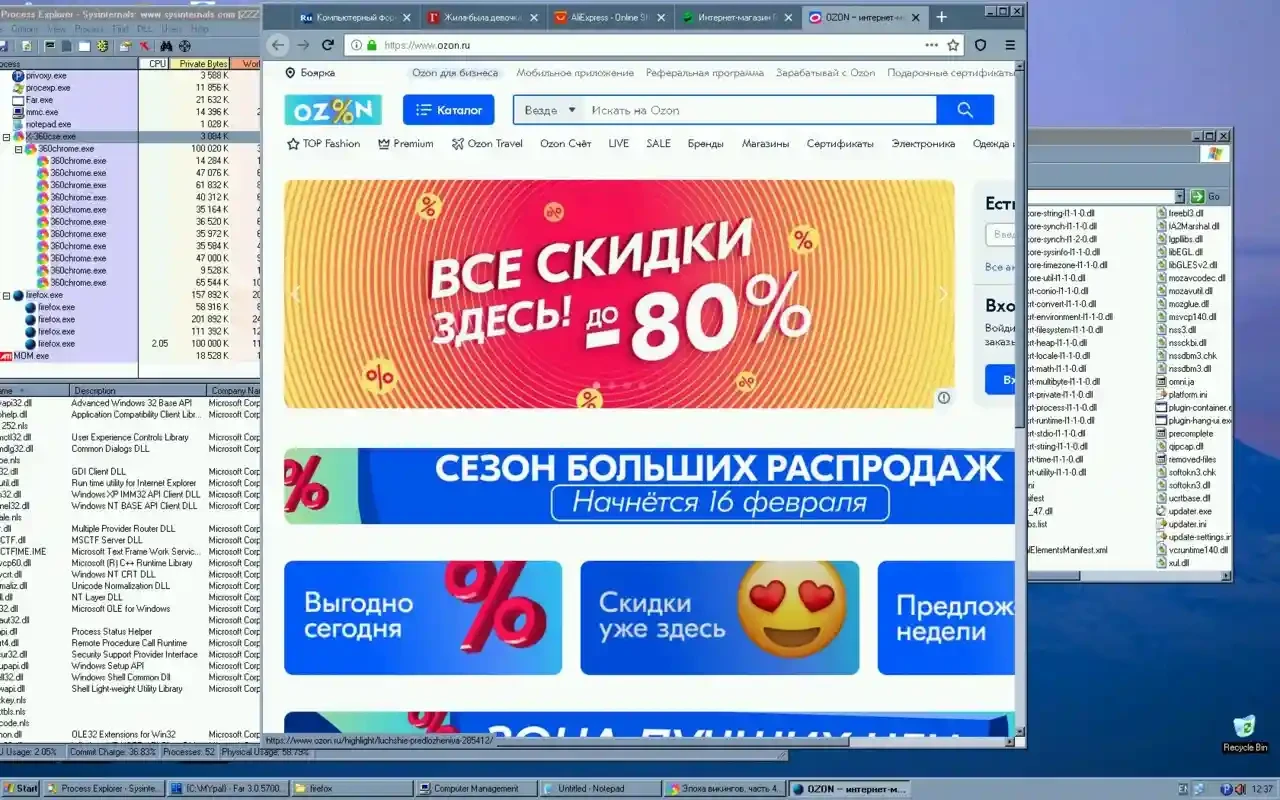
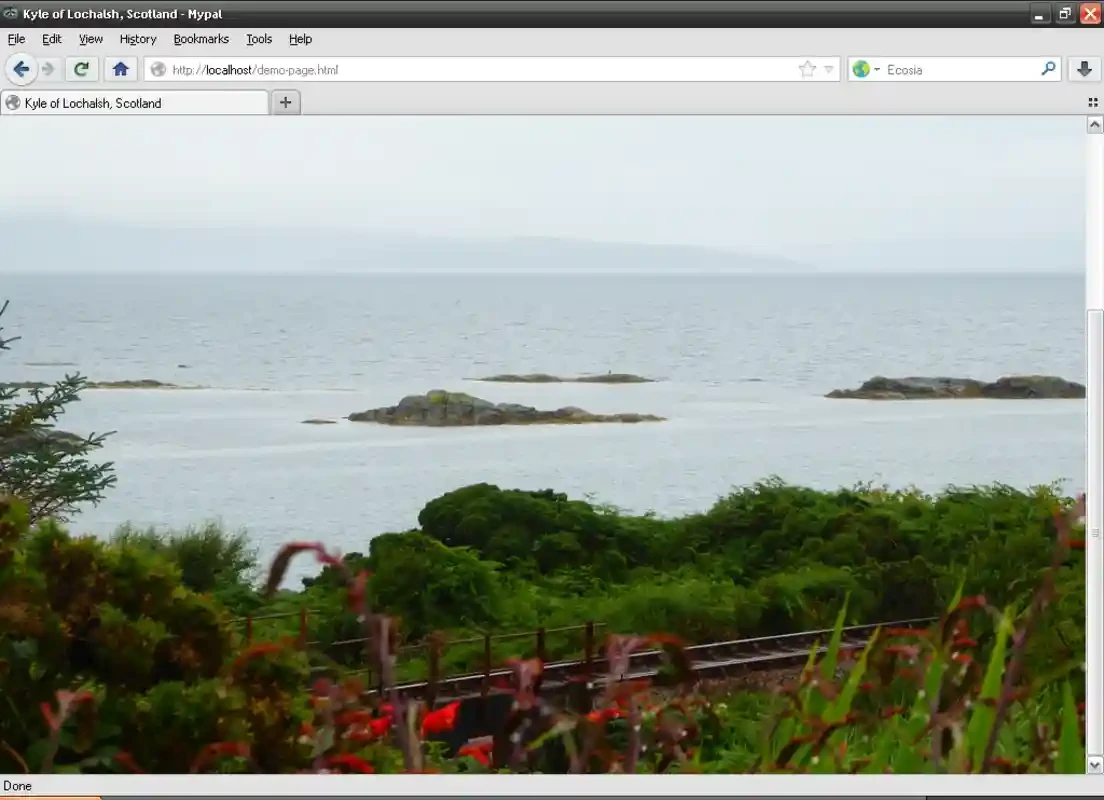
Mypal68 78.0.3 is an open-source web browser for Windows by the developer Feodor2. It is based on Mozilla's Firefox code and is aimed especially at older Windows versions that current mainstream browsers no longer support. You can download Mypal68 for Windows from mypal-browser.org.
When browser makers drop support for an operating system, people who still use it are left with outdated browsers that fail on modern websites and no longer get security fixes. Retro computing fans, people running specialised software on old PCs, and users in places where hardware is replaced rarely all run into this problem. Mypal68 addresses it by adapting a Firefox-based engine so that it runs on those systems. The result is a browser that can open many current websites with modern encryption and web standards, on machines that would otherwise be stuck. It is a community effort maintained by one developer, and it cannot match the security resources of Mozilla or Google. On an old operating system, the browser is also only one part of the problem: the system itself no longer receives security updates. Mypal68 makes an old PC usable on the web, but it does not make it safe for everything. Release notes are published on the Mypal release page.
The download is about 63.94 MB according to catalogue data.
Avoid online banking, shopping and sensitive accounts on an unsupported operating system, whatever browser you use. Keep the old PC off the internet when you do not need it, use an up-to-date antivirus that still supports the system, and move important tasks to a current device where you can.
Keep the number of open tabs small, since older machines have little memory. Use an ad blocker extension to reduce the weight of pages, and disable features you do not need. A lightweight search engine start page loads faster than a busy portal.
| Item | Details |
|---|---|
| Version | 78.0.3 |
| Developer | Feodor2 |
| Platform | Windows |
| Licence | open source, free |
For current Windows versions, our listings include Mozilla Firefox, Firefox ESR, LibreWolf and Waterfox. Pale Moon and K-Meleon are other independent browsers.
Opera is a free web browser for Windows from Opera Software. The stable release is 136.0.6008.22, published on 17 September 2026.

UC Browser for Windows is the desktop version of the web browser from UCWeb, a Chinese mobile internet company.

Google Translate is Google's multilingual machine translation service, used on Windows through the website and a browser extension.

Microsoft Edge is Microsoft's web browser, preinstalled on current Windows versions and available as a free download for reinstalling or updating.

Mozilla Firefox is a free and open-source web browser developed by Mozilla, available for Windows, macOS, Linux, Android and iOS.

Google Chrome is the free web browser from Google. The stable Windows release is 154.0.8037.58, out since 22 September 2026.

Cent Browser is a free Chromium-based browser for Windows from Cent Studio that adds mouse gestures, tab tweaks and other power-user options.